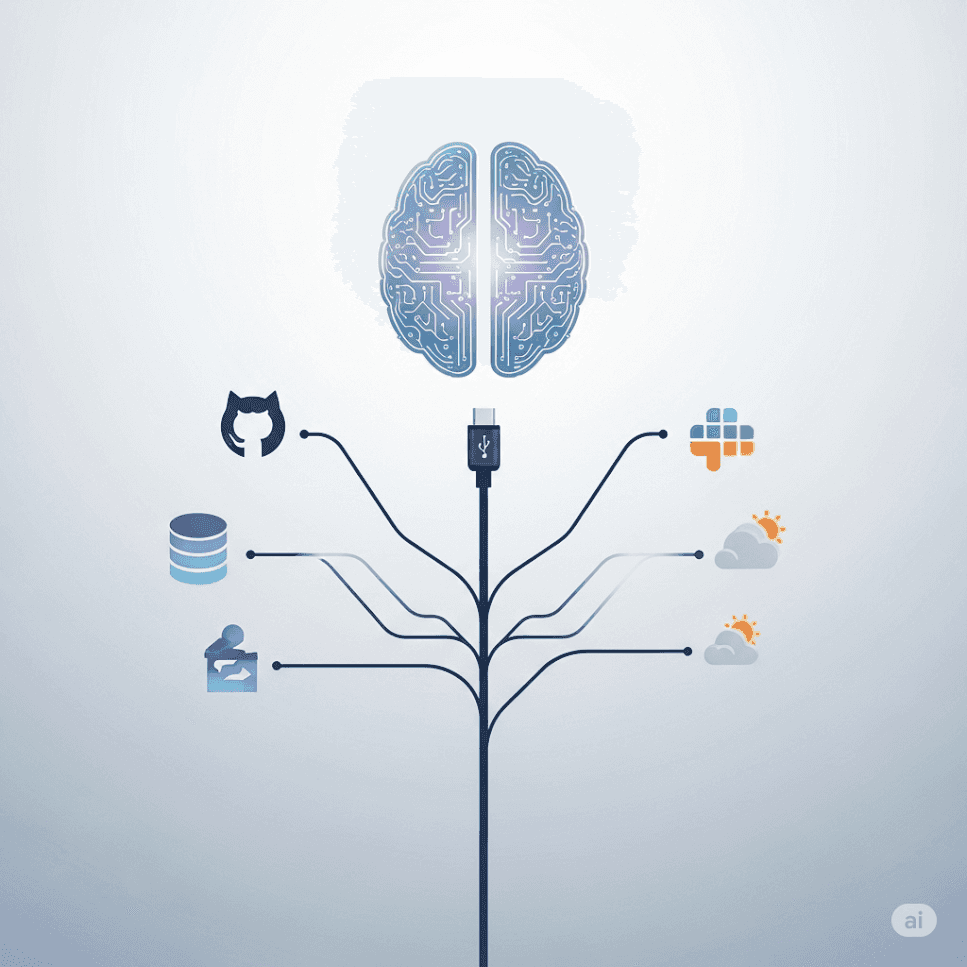
A host app embeds an MCP client that talks to MCP servers. Servers expose tools/resources; the model requests tool calls that the server executes against external systems.
Without a standard, every model–tool pair needs custom glue (the N×M problem). MCP turns that into reusable N+M connections.
Hosts typically require user approval for tool access, and servers should enforce least privilege—but you still must harden auth and data handling.
Large Language Models (LLMs) like ChatGPT, Claude, and Gemini are powerful, but they often operate in isolation—unable to access real-time data or external tools without complex custom integrations. The Model Context Protocol (MCP) solves this by acting as a universal plug-and-play system for AI applications, much like USB-C for devices.
In this blog, we’ll break down MCP’s architecture in simple terms, visualize it with clear Mermaid diagrams, and explain why it’s a game-changer for AI development.
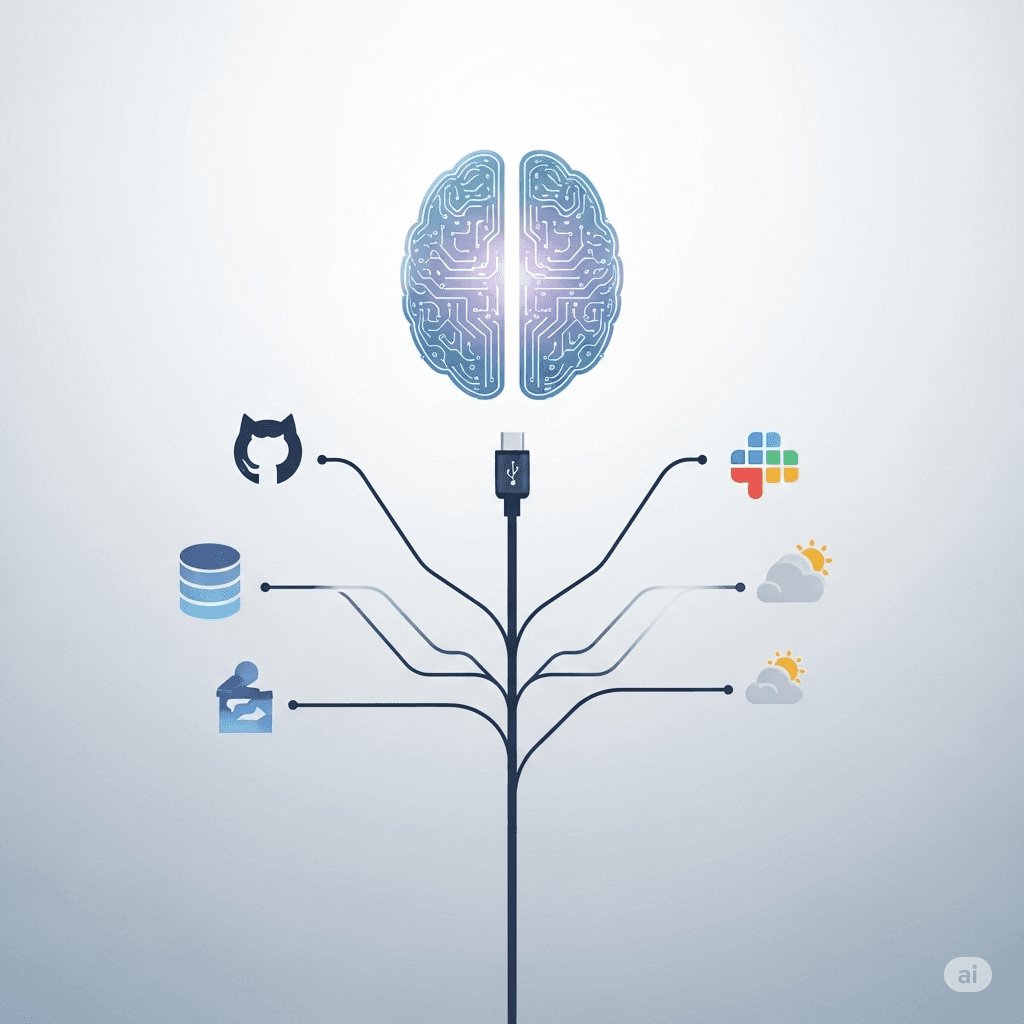
MCP is an open protocol that standardizes how AI models connect with external tools, databases, and APIs. Instead of writing custom code for every integration, developers use MCP to seamlessly link LLMs with real-world data and actions—whether fetching weather updates, querying databases, or automating GitHub tasks .
MCP follows a client-server model with three key components:
Here’s a simplified Mermaid diagram of the workflow:
get_weather).Example Servers:
Instead of coding custom integrations for every tool, the MCP Client acts as a single gateway. Need weather data? Call tools/call("get_weather"). Need Slack messages? Same protocol .
Each MCP Server runs separately. If the GitHub server crashes, your AI app won’t break—it just loses GitHub access temporarily .
New tool? Just build an MCP Server for it. No need to modify the Host App .
Imagine asking Claude, "What’s the weather in Tokyo?" Here’s how MCP helps:
tools/call).Without MCP, you’d need to manually code this integration for every AI model and weather service. MCP automates it all .
MCP is the missing link between LLMs and the real world. By standardizing integrations, it lets developers focus on building smarter AI apps—not reinventing the wheel for every connection.
✅ Solves N×M problem: No more custom code for every AI+tool combo.
✅ Secure & user-controlled: No data is shared without permission.
✅ Modular: Add new tools without changing your AI app.
Want to try MCP? Check out Anthropic’s starter kits or community-built servers for Slack, GitHub, and more!