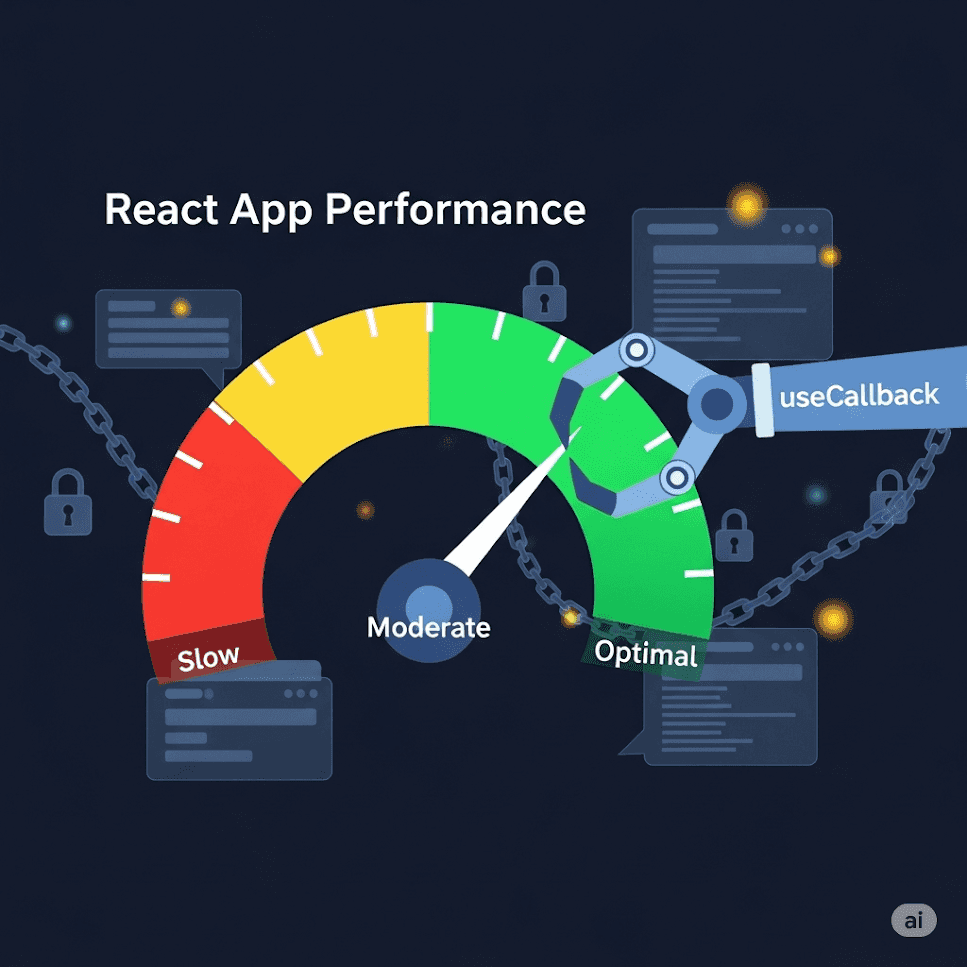
useCallback memoizes a function reference between renders so child components and effects do not see a “new” callback unless dependencies change.
When passing callbacks to memoized children, or when a function is a dependency of useEffect/useMemo and recreating it would cause extra work.
Yes. Memoization has a cost. Skip it for cheap local handlers that are not passed to optimized children.
Have you ever noticed your React application slowing down as it grows more complex? Or seen components re-rendering unnecessarily, even when their props haven't changed? If so, you've encountered a common performance challenge in React development.
In this comprehensive guide, we'll explore how the useCallback hook can help solve these performance issues. Whether you're a seasoned developer or just starting with React, this post will give you a deep understanding of when and how to use useCallback effectively.
Before we dive into solutions, let's understand the core issue.
In JavaScript, functions are objects, and each time you define a function, it creates a new object in memory:
function createFunction() {
  return function() { console.log('Hello!'); };
}

const func1 = createFunction();
const func2 = createFunction();

console.log(func1 === func2); // false - they're different objects!
This becomes important in React because when a component re-renders, all functions defined inside it are recreated. If you pass these functions as props to child components, those children will see them as "new" props every time, potentially causing unnecessary re-renders.
Let's visualize this problem:
This is where useCallback comes to the rescue!
useCallback is a React Hook that memoizes functions. In simple terms, it "remembers" your function between renders and only creates a new one when specific dependencies change.
import { useCallback } from 'react';

const memoizedCallback = useCallback(
  () => {
    // Your function logic here
    doSomething(a, b);
  },
  [a, b], // Dependency array
);
The function will only be recreated when any value in the dependency array changes.
The most common use case for useCallback is when passing callbacks to optimized child components that rely on reference equality to prevent unnecessary renders (like components wrapped in React.memo).
Without useCallback:
import React, { useState } from 'react';

// Child component wrapped in React.memo
const ExpensiveChild = React.memo(({ onClick, data }) => {
  console.log('Child rendered!');
  return <button onClick={onClick}>{data}</button>;
});

function Parent() {
  const [count, setCount] = useState(0);
  const [data, setData] = useState('Click me');

  const handleClick = () => {
    setCount(count + 1);
  };

  return (
    <div>
      <p>Count: {count}</p>
      <ExpensiveChild onClick={handleClick} data={data} />
    </div>
  );
}
In this example, every time Parent re-renders (which happens when count changes), handleClick is recreated, causing ExpensiveChild to re-render even though its visual output wouldn't change.
With useCallback:
import React, { useState, useCallback } from 'react';

const ExpensiveChild = React.memo(({ onClick, data }) => {
  console.log('Child rendered!');
  return <button onClick={onClick}>{data}</button>;
});

function Parent() {
  const [count, setCount] = useState(0);
  const [data, setData] = useState('Click me');

  const handleClick = useCallback(() => {
    setCount(count + 1);
  }, [count]); // Only recreate when count changes

  return (
    <div>
      <p>Count: {count}</p>
      <ExpensiveChild onClick={handleClick} data={data} />
    </div>
  );
}
Now, ExpensiveChild won't re-render when Parent updates for reasons unrelated to the handleClick function.
Let's visualize how this optimization works:
Another important use case is when your function is a dependency of another Hook like useEffect.
Problematic code:
function UserProfile({ userId }) {
  const [user, setUser] = useState(null);

  const fetchUser = () => {
    fetch(`/api/users/${userId}`)
      .then(response => response.json())
      .then(userData => setUser(userData));
  };

  useEffect(() => {
    fetchUser();
  }, [fetchUser]); // This causes an infinite loop!

  return <div>{user?.name}</div>;
}
This creates an infinite loop because fetchUser is recreated on every render, which triggers the useEffect, which causes a re-render, and so on.
Solution with useCallback:
function UserProfile({ userId }) {
  const [user, setUser] = useState(null);

  const fetchUser = useCallback(() => {
    fetch(`/api/users/${userId}`)
      .then(response => response.json())
      .then(userData => setUser(userData));
  }, [userId]); // Only recreate when userId changes

  useEffect(() => {
    fetchUser();
  }, [fetchUser]);

  return <div>{user?.name}</div>;
}
Now the effect only runs when fetchUser actually changes, which only happens when userId changes.
If you're creating custom hooks that return functions, useCallback can ensure those functions maintain stable references:
function useToggle(initialState = false) {
  const [value, setValue] = useState(initialState);

  const toggle = useCallback(() => {
    setValue(currentValue => !currentValue);
  }, []);

  return [value, toggle];
}

// Usage
function Component() {
  const [isOn, toggleIsOn] = useToggle(false);

  return (
    <button onClick={toggleIsOn}>
      {isOn ? 'ON' : 'OFF'}
    </button>
  );
}
The toggle function maintains a stable reference, making it safe to use in dependency arrays.
While useCallback is useful, it's not always the right tool for the job. Overusing it can actually harm performance rather than help it.
// ❌ Unnecessary use of useCallback
function SimpleButton({ onClick, label }) {
  const handleClick = useCallback(() => {
    onClick();
  }, [onClick]);

  return <button onClick={handleClick}>{label}</button>;
}

// ✅ Better approach
function SimpleButton({ onClick, label }) {
  return <button onClick={onClick}>{label}</button>;
}
// ❌ Using useCallback without actual need
function Component() {
  const [count, setCount] = useState(0);

  const increment = useCallback(() => {
    setCount(c => c + 1);
  }, []);

  // This function isn't passed to optimized children
  // or used in effects, so useCallback is unnecessary
  return <button onClick={increment}>{count}</button>;
}
Remember: useCallback itself has a cost (memory allocation and comparison logic), so only use it when the benefits outweigh that cost.
For complex state logic, consider combining useCallback with useReducer:
function TodoApp() {
  const [todos, dispatch] = useReducer(todosReducer, []);

  const addTodo = useCallback((text) => {
    dispatch({ type: 'ADD_TODO', text });
  }, []);

  const toggleTodo = useCallback((id) => {
    dispatch({ type: 'TOGGLE_TODO', id });
  }, []);

  return (
    <div>
      <TodoForm onAdd={addTodo} />
      <TodoList todos={todos} onToggle={toggleTodo} />
    </div>
  );
}
Since the dispatch function from useReducer is stable, our callbacks can have empty dependency arrays.
Sometimes you need the latest state value in a callback without recreating it:
function Timer() {
  const [count, setCount] = useState(0);
  const countRef = useRef(count);

  // Update ref when count changes
  useEffect(() => {
    countRef.current = count;
  }, [count]);

  const startTimer = useCallback(() => {
    const intervalId = setInterval(() => {
      // Use ref to get the latest count value
      setCount(countRef.current + 1);
    }, 1000);

    return () => clearInterval(intervalId);
  }, []); // Empty dependencies because we're using ref

  return (
    <div>
      <p>Count: {count}</p>
      <button onClick={startTimer}>Start</button>
    </div>
  );
}
Profile before optimizing: Use React DevTools to identify actual performance bottlenecks before adding useCallback everywhere.
Keep dependency arrays honest: Always include all values that your function uses from the component scope.
Consider the cost: useCallback adds memory overhead, so use it judiciously.
Use the functional update pattern when possible to avoid dependencies:
// Instead of:
const increment = useCallback(() => {
  setCount(count + 1);
}, [count]); // Dependency on count

// Prefer:
const increment = useCallback(() => {
  setCount(c => c + 1);
}, []); // No dependencies needed
function Counter() {
  const [count, setCount] = useState(0);

  const increment = useCallback(() => {
    // This will always log 0 because it captures
    // the initial count value
    console.log(count);
    setCount(count + 1);
  }, []); // Missing count dependency

  return <button onClick={increment}>Count: {count}</button>;
}
Solution: Either add the dependency or use the functional update pattern.
function Component({ id, name }) {
  const [data, setData] = useState(null);

  const fetchData = useCallback(() => {
    fetch(`/api/${id}/${name}`)
      .then(response => response.json())
      .then(setData);
  }, [id]); // Missing name dependency!

  useEffect(() => {
    fetchData();
  }, [fetchData]);

  return <div>{data}</div>;
}
Solution: Include all values used inside the callback in the dependency array.
Let's look at a practical example of optimizing a data table component:
import React, { useState, useCallback } from 'react';

// Optimized row component
const TableRow = React.memo(({ row, onEdit, onDelete }) => {
  return (
    <tr>
      <td>{row.name}</td>
      <td>{row.email}</td>
      <td>
        <button onClick={() => onEdit(row.id)}>Edit</button>
        <button onClick={() => onDelete(row.id)}>Delete</button>
      </td>
    </tr>
  );
});

function DataTable({ data }) {
  const [sortBy, setSortBy] = useState('name');

  // Memoized handlers
  const handleEdit = useCallback((id) => {
    console.log('Edit item:', id);
    // Edit logic here
  }, []);

  const handleDelete = useCallback((id) => {
    console.log('Delete item:', id);
    // Delete logic here
  }, []);

  const handleSort = useCallback((column) => {
    setSortBy(column);
  }, []);

  return (
    <table>
      <thead>
        <tr>
          <th onClick={() => handleSort('name')}>Name</th>
          <th onClick={() => handleSort('email')}>Email</th>
          <th>Actions</th>
        </tr>
      </thead>
      <tbody>
        {data.map(row => (
          <TableRow
            key={row.id}
            row={row}
            onEdit={handleEdit}
            onDelete={handleDelete}
          />
        ))}
      </tbody>
    </table>
  );
}
In this example, TableRow components won't re-render when the parent component updates for reasons unrelated to the row data or action handlers.
The useCallback hook is a powerful tool in the React performance optimization toolkit, but it's not a silver bullet. Use it strategically when:
React.memouseEffectRemember that premature optimization can be counterproductive. Always measure performance first, then apply useCallback where it will have the most impact.
By understanding when and how to use useCallback effectively, you can create React applications that are both performant and maintainable.